
Mouse Mission


Mouse Mission
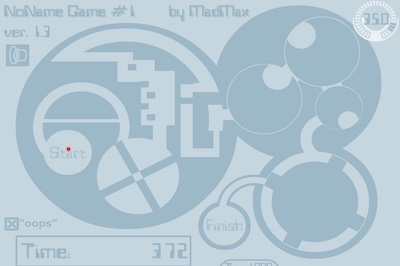
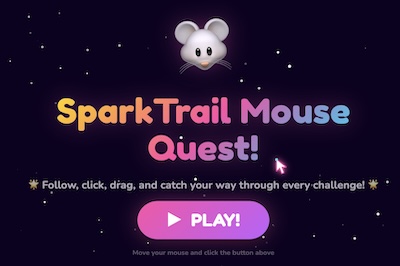
Mouse Mission is a fun training game that helps players practice using a computer mouse in different ways. The game is built around small missions, and each mission teaches a different mouse skill. Kids can learn how to move the mouse, click at the right time, drag objects, drop items, follow targets, and complete simple challenges inside the game.
The game has a bright and friendly screen with three main training areas: Move Zone, Click Zone, and Drag Zone. Each zone has its own mini games, so players can choose what they want to practice. This makes Mouse Mission feel like a collection of small learning games instead of one long level.
Move Zone
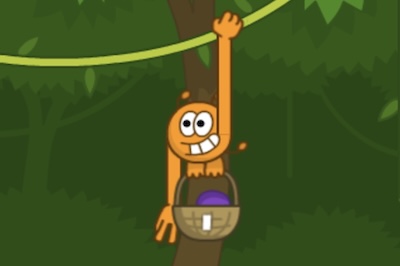
The Move Zone is for practicing mouse movement without clicking. In this area, players may need to follow objects, catch moving items, hover over targets, or guide the mouse through a path. Games like Star Basket, Firefly Trail, Bubble Bloom, River Maze, and Spotlight Safari can help kids become more comfortable with moving the mouse smoothly.
This zone is useful for younger players who are still learning how to control the pointer. It teaches them to move carefully, stay inside paths, and follow what is happening on the screen. The activities are simple, but they help build confidence.
Click Zone
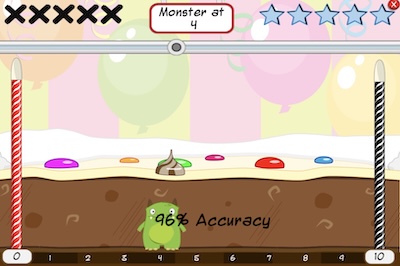
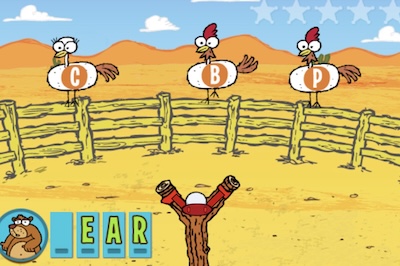
The Click Zone is all about clicking at the right time. Players can try mini games such as Cookie Click, Balloon Pop, Mole Holes, Number Sparks, and Drum Rhythm. These games may ask players to click quickly, click the correct object, or click in a pattern.
This part of Mouse Mission helps children practice hand-eye coordination. They need to look at the screen, notice the target, and click before the chance is gone. It can also help them learn patience because clicking too early or too late may not work.
Drag Zone
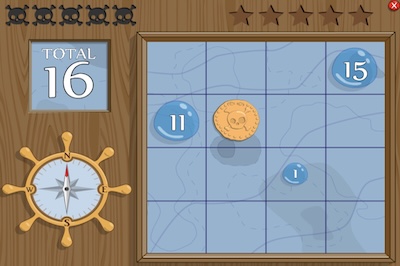
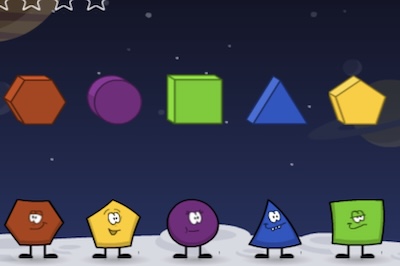
The Drag Zone teaches players how to hold the mouse button, move an item, and drop it in the correct place. This is an important computer skill because many games and learning activities use dragging. Mini games like Gem Sort, Shape Puzzle, Robot Feed, Bridge Builder, and Planet Orbits give players different ways to practice.
Dragging can be tricky for beginners because they must hold the button while moving the mouse. Mouse Mission makes this practice feel playful. Kids can sort objects, solve puzzles, build things, and place items where they belong.
Why Mouse Mission is Helpful
Mouse Mission is not only a game for fun. It can also help children learn basic computer skills in a safe and friendly way. Many kids use touchscreens first, so using a mouse may feel new to them. This game breaks the skill into smaller parts, making it easier to learn step by step.
The score system also gives players a reason to try again. They can replay missions, improve their best score, and get better with practice. Since each mini game is short, kids can play for a few minutes and still learn something useful.
Final Thoughts
Mouse Mission is a cheerful and useful game for kids who are learning how to use a computer mouse. With movement games, clicking games, and dragging games, it gives players many ways to practice. The colorful design, simple choices, and replayable missions make it a good option for young learners who enjoy playful computer activities.